
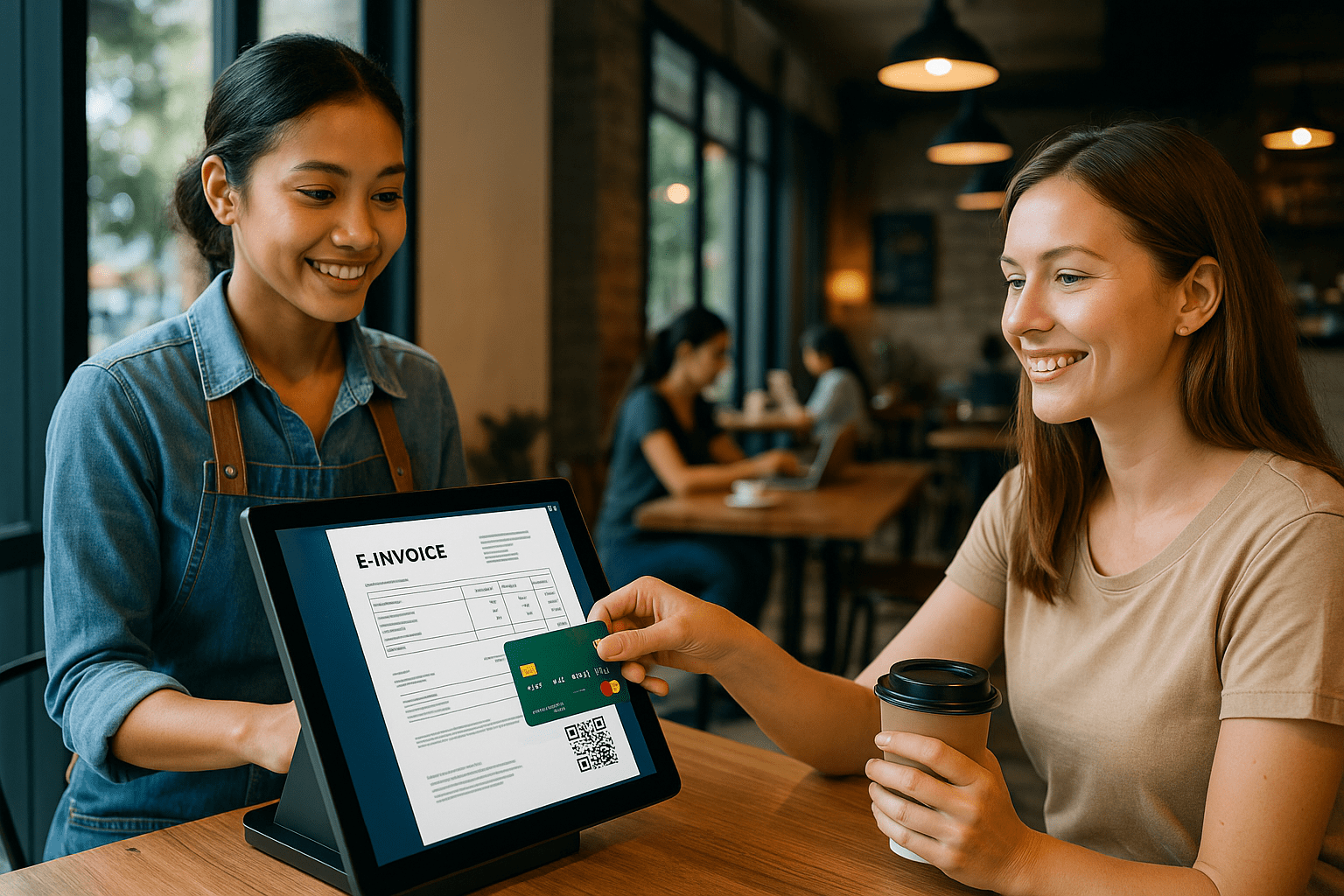
E-invoicing is no longer optional in Malaysia. With LHDN rolling out the e-invoicing mandate in stages starting in 2024, cafés like yours—and mine—need to keep up or risk falling behind. I’ve seen firsthand how digital invoicing changes the way a café runs. It’s faster, more accurate, and in the long run, saves more money than it costs to implement.
What is E-Invoicing
Before adding e-invoicing to the café’s POS setup, I underestimated how much of a difference it would make. At its core, e-invoicing is the automated generation and delivery of tax-compliant digital invoices. For cafés in Malaysia, this aligns directly with digital tax reporting.
But beyond compliance, e-invoicing simplifies things. I no longer stress about lost receipts, miscalculated SST, or outdated invoice formats. Everything syncs automatically, and the audit trail is cleaner than any paper trail I ever tried to maintain.
The Benefits After Integration
I didn’t just integrate e-invoicing because of the law—I did it to fix real problems in my day-to-day café operations.
1. Invoices Became Instant and Error-Free
I used to double-check every bill. Now, my POS generates e-invoices with all the correct tax info embedded.
2. Customers Appreciate the Professionalism
There’s something about receiving a clean, digital invoice to build trust on your business.
3. Save Hours Each Week
Still manual record-keeping? Gone. Tax prep? Easier.
All I do now is export clean reports from my POS dashboard.
How to Integrate E-Invoicing into POS System
Step 1: Check Existing POS Capabilities
My first mistake was assuming my system supported e-invoicing. It didn’t. I contacted my POS provider and learned I needed either an upgrade or an add-on module.
If your POS doesn’t support Malaysian e-invoicing formats or API connections to LHDN (when available), it’s time to switch providers.
Step 2: Choose a POS That Understands the Local Rules
I moved to a Malaysian-built system—iCafe POS—because they already designed it with LHDN’s compliance in mind. It came with
- SST integration
- Custom invoice templates
- Real-time cloud syncing
- QR payment and e-receipt options
That meant less fiddling, more doing.
Step 3: Set Up the Right Tax Settings
After switching systems, it’s took 30 minutes to input SST number, business registration, and logo. Every invoice send now includes exactly what LHDN expects.
Step 4: Test It During Live Hours
Don’t wait until the rush. I tested my new setup during quiet morning hours with real orders. It helped me iron out small details like receipt formatting, email invoice setup and split bill scenarios.
Step 5: Train Staff
I ran through the process with my baristas so they wouldn’t panic when something looked different on the screen. Confidence at the counter makes a difference, especially during peak hours.
Mistakes to Avoid
- Delaying the switch: Waiting until the law forces you puts your business at risk. I saw it coming and acted early.
- Choosing a generic POS: Local matters. I almost signed up for a global platform with no LHDN support. That would’ve cost more to patch later.
- Skipping training: Don’t assume your staff will figure it out. A quick walkthrough makes everything smoother.
💬Common Questions Café Owners Ask
Can use e-invoicing if I have a small café?
Absolutely. Even small cafés benefit from streamlined invoicing, especially as Malaysia moves toward full adoption of digital tax reporting.
Do I need to buy new hardware?
Not necessarily. Most e-invoicing integrations are software-based. If your POS is cloud-ready, you’re likely set.
Is e-invoicing only for taxes?
No. It helps in managing refunds, generating real-time sales reports, and improving your customer service experience.

